# Statistics

### Overview

Fiddler supports some simple statistic metrics which can be used to monitor basic aggregations over columns. These can be particularly useful when you have a custom metadata field which you would like to monitor over time in addition to Fiddler's other out-of-the-box metrics.

### What is being tracked?

Specifically, we support:

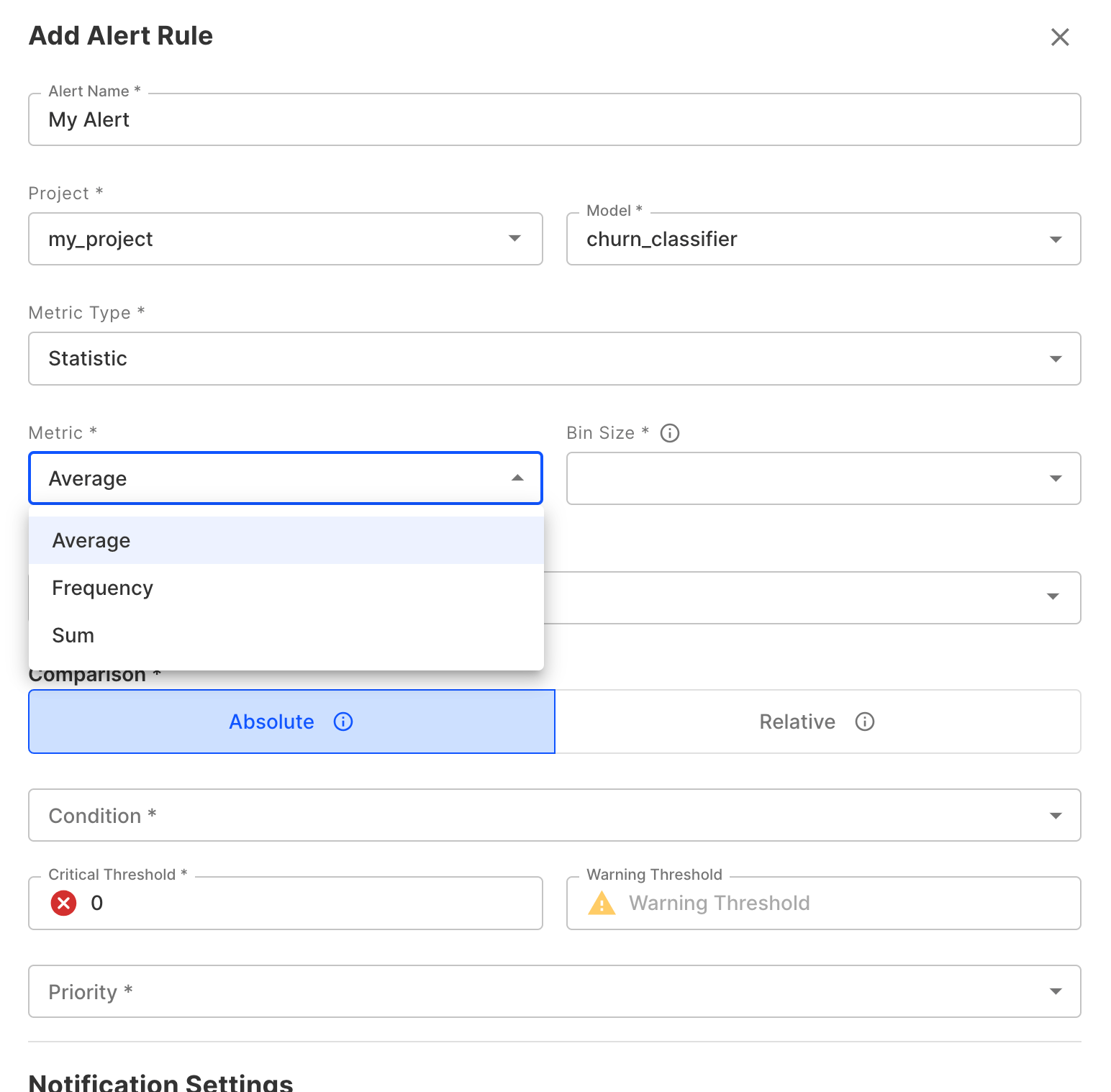
* **Average**: Takes the arithmetic mean of a numeric column
* **Sum**: Calculates the sum of a numeric column
* **Frequency**: Shows the count of occurrences for each value in a categorical or boolean column

### Monitoring Statistic Metrics

#### Charting Statistic Metrics

These metrics can be accessed in Charts and Alerts by selecting the Statistic Metric Type.
![](/files/tl6JuSjj6kscYLQ75hjM)

#### Alerting on Statistic Metrics

Alert rules can be established based on statistics too. Like an alert rule, these can be setup using the Fiddler UI, the Fiddler python client or using Fiddler's RESTful API.

![](/files/tl6JuSjj6kscYLQ75hjM)


---

# Agent Instructions: Querying This Documentation

If you need additional information that is not directly available in this page, you can query the documentation dynamically by asking a question.

Perform an HTTP GET request on the current page URL with the `ask` query parameter:

```
GET https://docs.fiddler.ai/observability/platform/statistics.md?ask=<question>
```

The question should be specific, self-contained, and written in natural language.
The response will contain a direct answer to the question and relevant excerpts and sources from the documentation.

Use this mechanism when the answer is not explicitly present in the current page, you need clarification or additional context, or you want to retrieve related documentation sections.
